Guest
Current planFree
For the occasional good moment.
Start clippingNo account. No payment details.
Your free plan includes
- 3 clips per day
- Up to 2 minutes per clip
- Up to 720p quality
- MP4 and MOV downloads
- With sound or without
 CLIPYT
Turn a moment from a video or Short into a clip. Set your timestamps, choose the sound and format, and download.
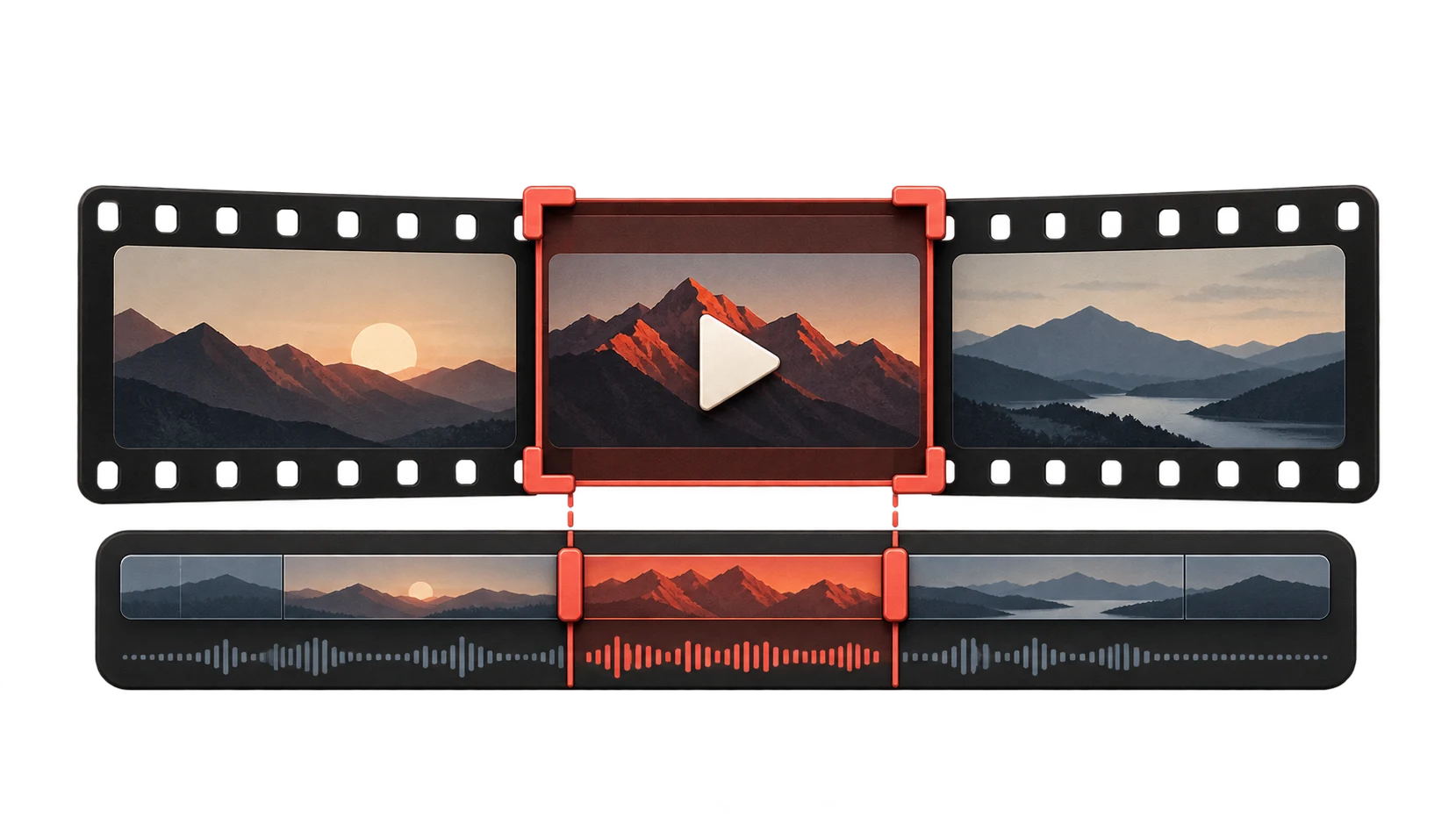
Paste a YouTube link, choose a range, and export it your way.
Load a video to preview it and choose your timestamps.
Use seconds, m:ss, or h:mm:ss.
Paste a YouTube video or Shorts link. Preview it before making the cut.
Set the start and end time. Keep the sound or export without it.
Choose MP4 or MOV and your output quality. Download your file when the export finishes.
Start free. Get more room when you need it.
For the occasional good moment.
Start clippingNo account. No payment details.
A few more clips for your routine.
One Google account. No subscription.
More freedom. The best available quality.
Monthly billing. Google sign-in required.
Quality depends on the original video. Free allowances reset daily at 00:00 UTC.
This preview has Google sign-in and subscriptions disabled until the service is configured.
A huge audience. A simpler way to start.
Reference analytics from outside Clipyt.

YouTube reported over 200 billion daily Shorts views in June 2025. Short-form video has an audience at enormous scale. YouTube’s report

Pick a moment, set the timestamps and download an MP4 or MOV. No timeline editor to learn—just a straightforward way to prepare clips from content you can use.

Eligible YouTube Partner Program creators can earn from Shorts ads. Your own content and meaningful original edits matter; unmodified reuploads don’t qualify. Shorts monetization rules
The details worth knowing.
Guests can make 3 clips per UTC day without an account. A verified Google account gets 10 clips per UTC day. Both free options allow clips up to 120 seconds and output up to 720p.
Guest and Google-account exports can be up to 120 seconds. Pro uses a standard 1,800-second (30-minute) maximum, although the operator can configure a different server limit.
Yes. Choose an export with sound or a muted export before starting the job. Clipyt does not create a separate audio-only file.
Yes. MP4 and MOV are the supported output containers. Source availability and the selected quality still determine what Clipyt can extract successfully.
Yes. Set a start and end time and Clipyt asks the media tools to fetch that section. With the standard safe configuration, it reports an error instead of silently downloading the full source when partial extraction is unavailable.
Shorts use the same precise range controls in a vertical preview. You can export a selected section or request the complete Short; full-source download is offered only in Shorts mode.